%20(1).png?width=400&height=124&name=21051_HotelIQ_logo_BJ_PB_DM_GR-05%20(1)%20(1).png)
Switching teams or changing your portfolio of hotels? Hotel Admins and Corporate Admins have the ability to add or remove selected hotels from user accounts.
Instructions
-
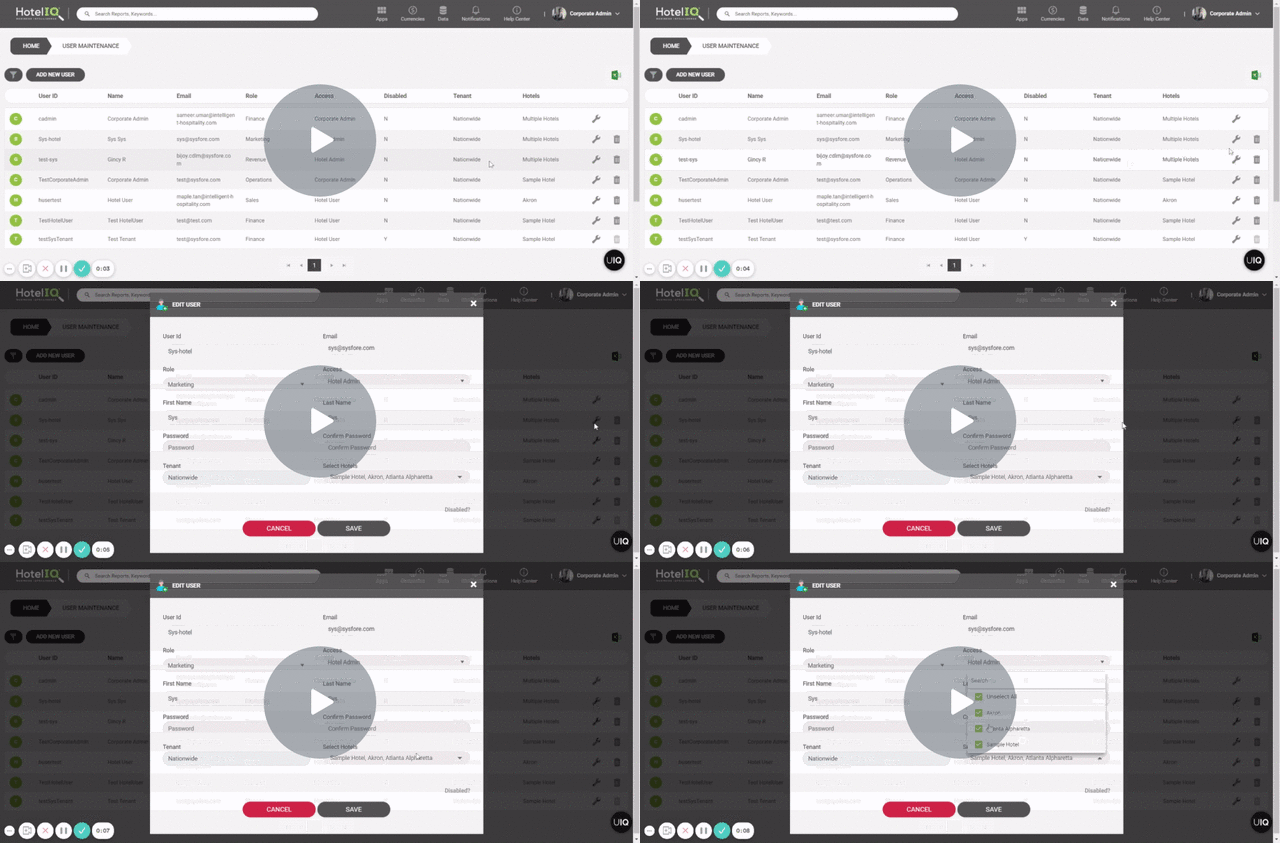
Open User Maintenance
-
Search for the user
-
Click on the Edit button
-
Under the “Select Hotels” field, check or uncheck the hotels you want to add/remove for the user
-
Click Save