%20(1).png?width=400&height=124&name=21051_HotelIQ_logo_BJ_PB_DM_GR-05%20(1)%20(1).png)
Portfolios of two or more hotels can be created for a single user or at a corporate level. User portfolios will be visible to the selected user only. Corporate portfolios will be visible to all users under the same tenant who have access to all hotels within the portfolio.
How to Create a Portfolio
-
Open My Preferences
-
Click on the Portfolio tab
-
Add New Portfolio
-
Fill in the Portfolio Name, Portfolio Type (User or Corporate) and other mandatory fields
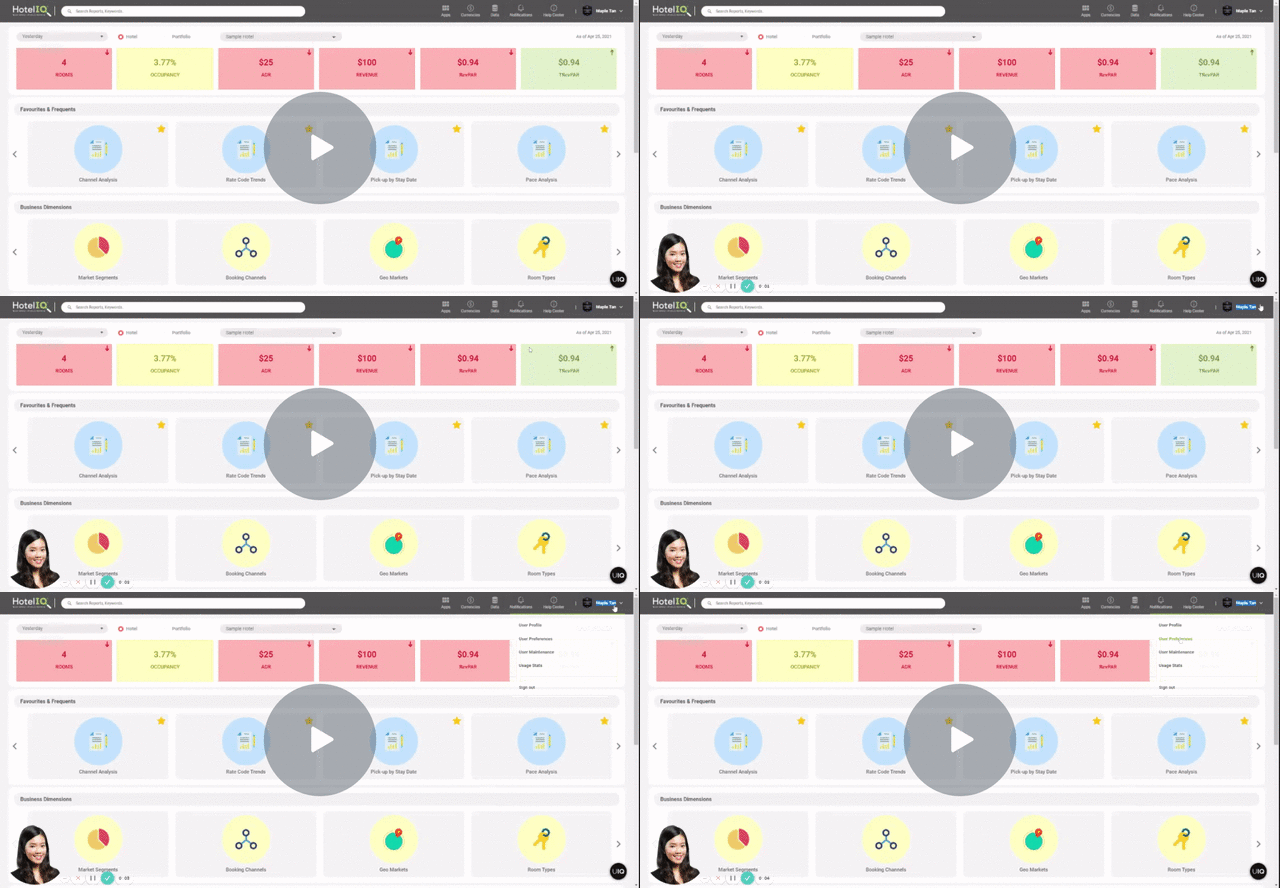
Create a Portfolio — Watch Video
Notes
-
When a user creates a new corporate portfolio, the portfolio will appear in the user’s account and for all new users who have access to all hotels within the portfolio going forward. However, the portfolio will not be visible to all existing users who have access to it.
-
If a user deletes a corporate portfolio, it will only be deleted for the user’s account and all new users who have access to all hotels within the portfolio going forward. However, the portfolio will still be visible to all existing users who have access to it.
-
Once a portfolio is deleted, any subscriptions for that portfolio will be automatically cancelled or deleted
-
The default hotel and currency selected under User Preferences affects the visibility of corporate portfolios. For instance, if the user selects USD as their default currency, only corporate portfolios with USD as its' default currency will appear. Similarly, if there are three hotels in the corporate portfolio, the user has to select any one of the three hotels as their default hotel under User Preferences for the corporate portfolio to appear as an option.