%20(1).png?width=400&height=124&name=21051_HotelIQ_logo_BJ_PB_DM_GR-05%20(1)%20(1).png)
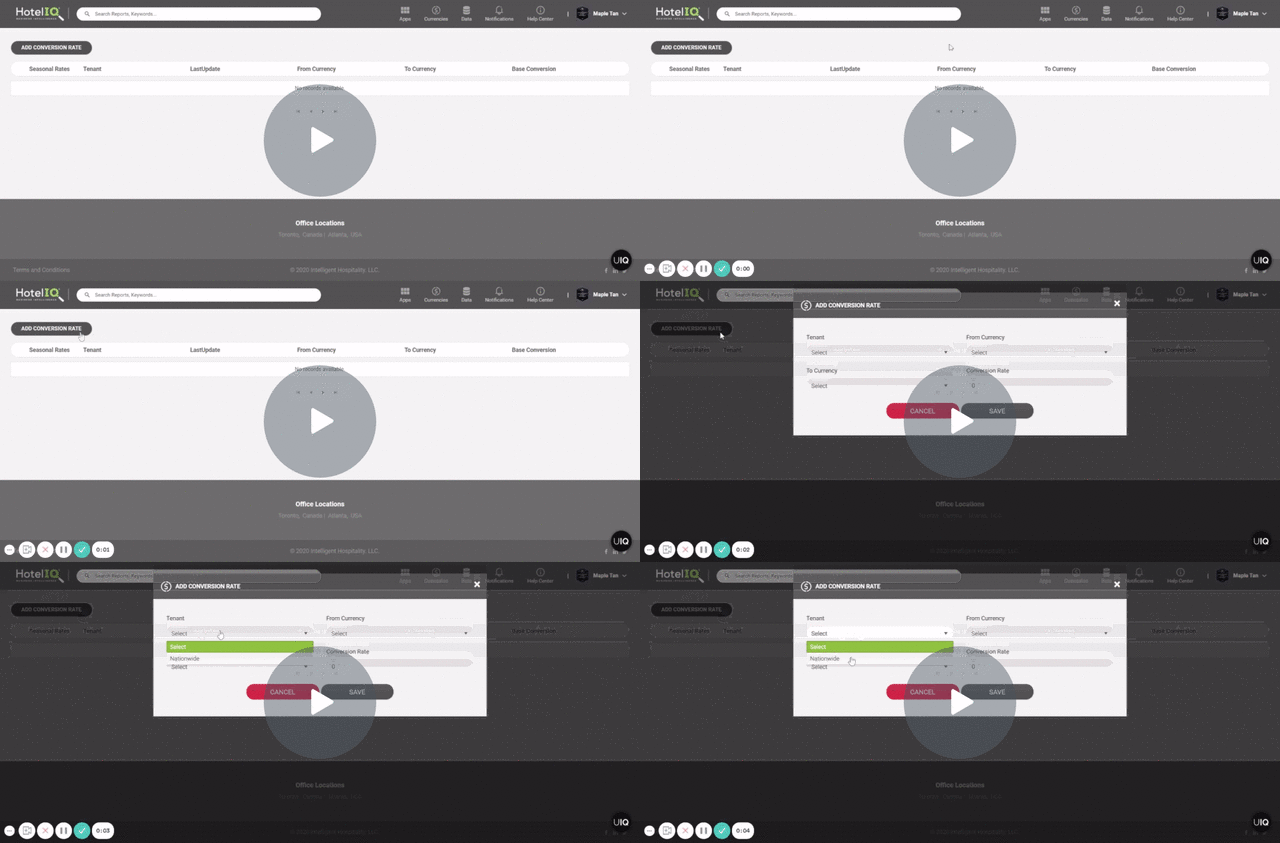
How to create and manage Currency Conversion Rates in HotelIQ. Please note that only Corporate Administrators have access to the Currency Conversion tool.
Add a New Default/Seasonal Currency Conversion Rate
-
Open Currencies on the HotelIQ overview page
-
Click on Add Conversion Rate to create a new Default Currency Conversion Rate
-
Optional: Create a Seasonal Conversion Rate for a specific time period. You may set the seasonal rate as Active or Non-Active.
Default and Seasonal Currency Conversion Rates may be edited by Corporate Administrators at any time.