%20(1).png?width=400&height=124&name=21051_HotelIQ_logo_BJ_PB_DM_GR-05%20(1)%20(1).png)
If a HotelIQ user is no longer working for the hotel/company or have moved teams, you may want to disable his/her access. Disabled users will not be able to log into HotelIQ and will not have access to the hotel’s data.
Instructions
-
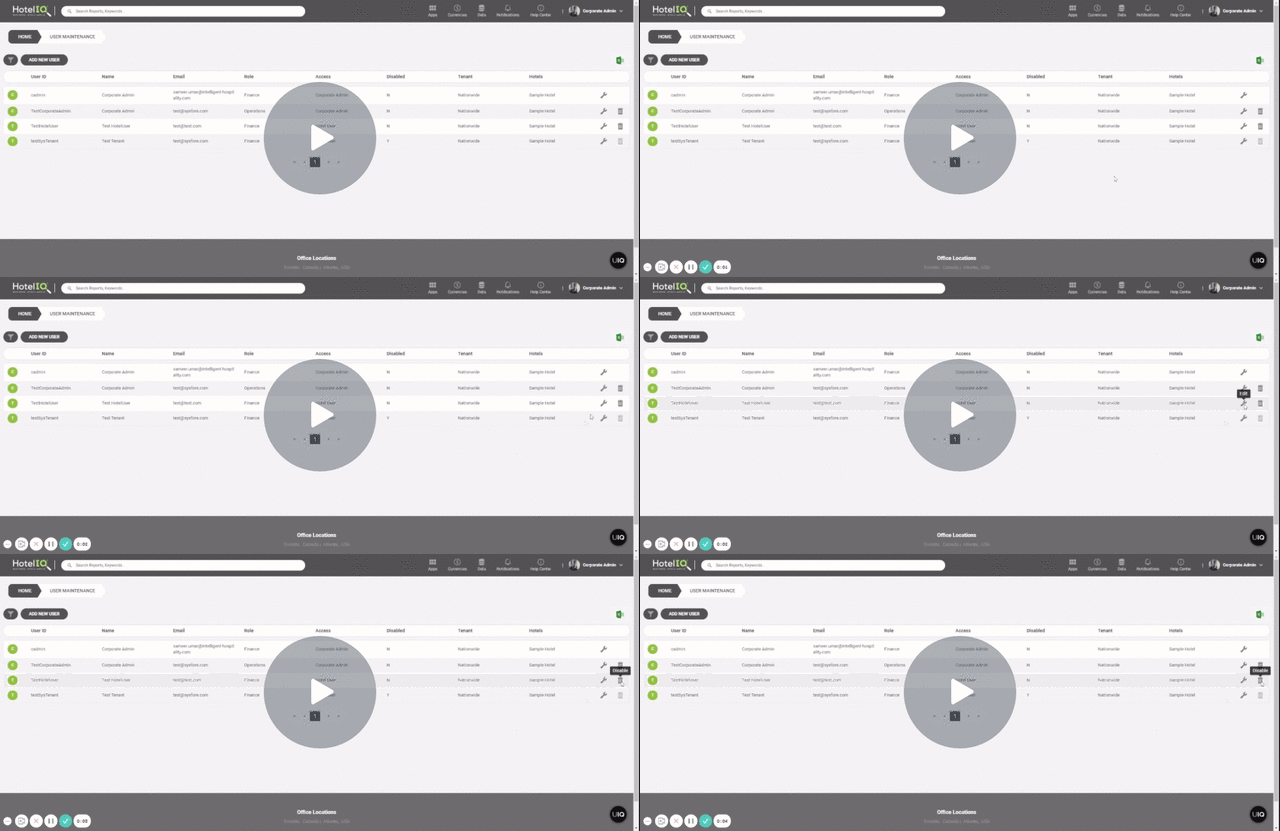
Open User Maintenance
-
Search for the user using the filter function if necessary
-
Click on the Disable button (trash can icon) and confirm the action in the pop up window
To re-enable a disabled user in the future, simply search for the user and uncheck the Disable box