%20(1).png?width=400&height=124&name=21051_HotelIQ_logo_BJ_PB_DM_GR-05%20(1)%20(1).png)
The Rate Code Maintenance and Group Code Maintenance screens contain all the rate and group codes that exist in HotelIQ. As rate codes and market segments have a one-to-one relationship in HotelIQ, the first time a new rate code enters HotelIQ, it gets locked to the market segment it came in under. Corporate Admins and Hotel Admins have the ability to edit and change the market segment mappings for rate/group codes if necessary by following these steps. Any changes made will be applied across all periods in HotelIQ.
Instructions
-
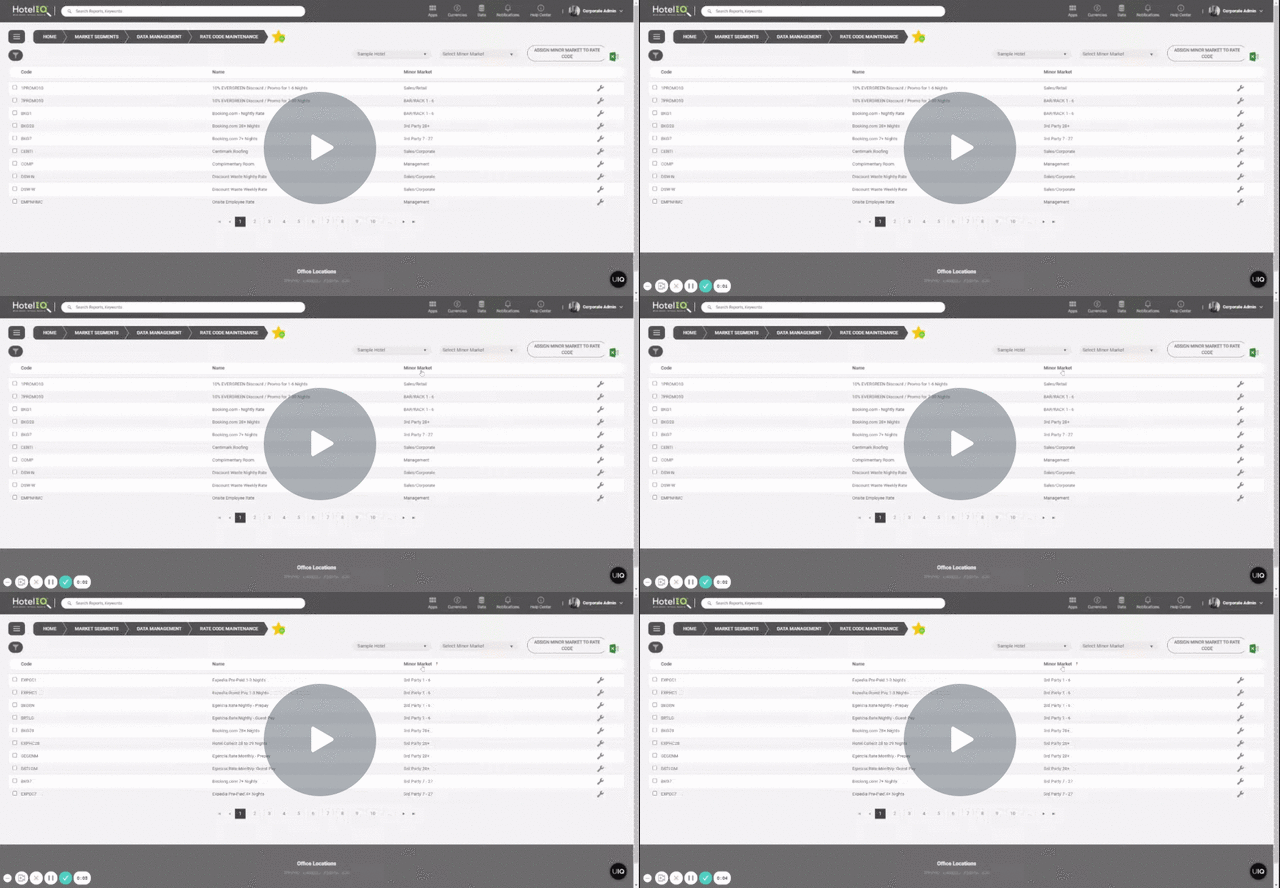
Open Rate Code Maintenance or Group Code Maintenance via the Market Segment App or by using the Search Bar
-
Select the rate/group code to remap and click on the “Edit” button. Select the correct minor market and click “Save”.
-
To remap multiple rate/group codes at the same time, select the rate/group codes, pick the minor market from the dropdown menu and click the “Assign minor market to rate/group code” button
For Unclassified production, search for the Unclassified market segment by alphabetical sorting or by using the filter function.