%20(1).png?width=400&height=124&name=21051_HotelIQ_logo_BJ_PB_DM_GR-05%20(1)%20(1).png)
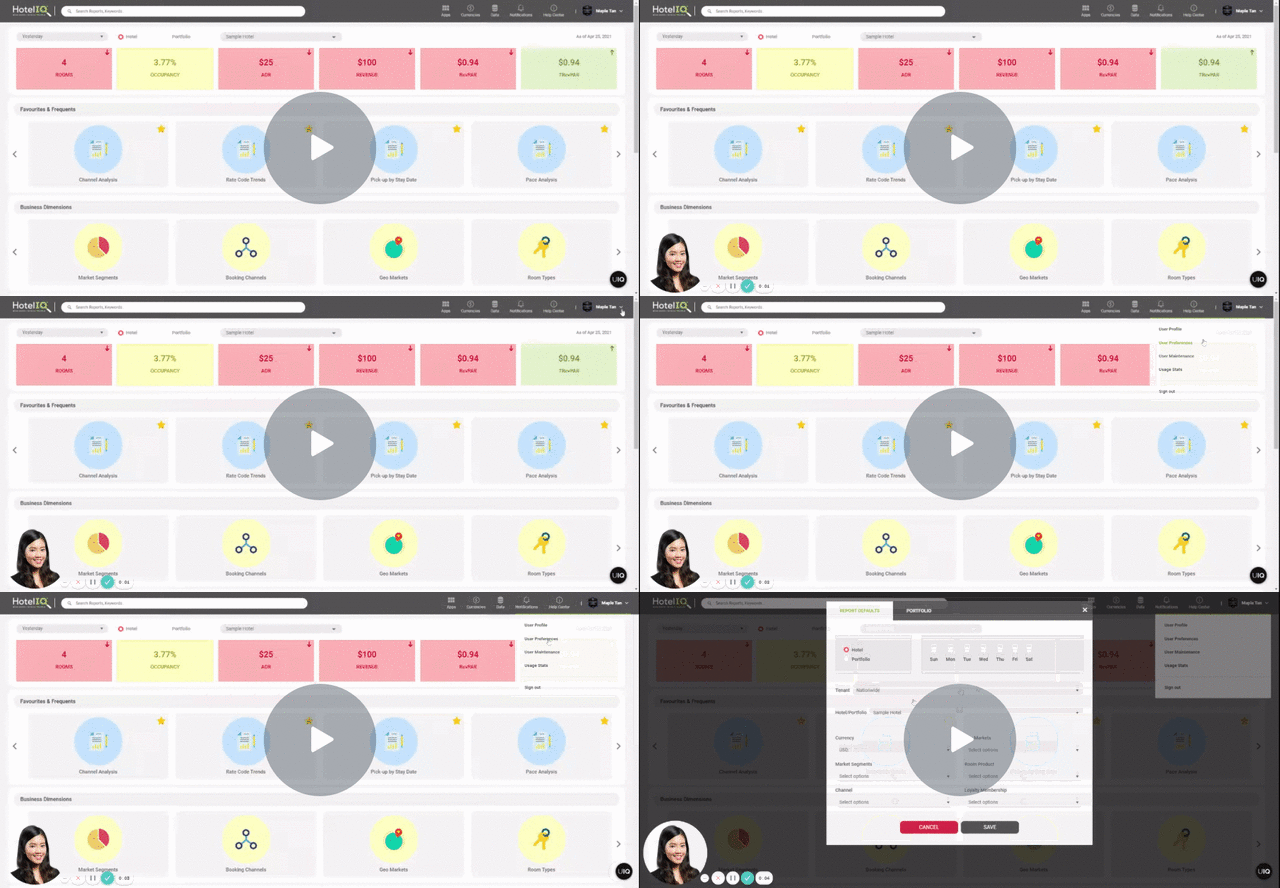
Set up Report Defaults to automatically apply pre-set filters to HotelIQ reports. Please note that Report Defaults will not be applied to Dashboards due to technical limitations.
Instructions
-
Open My Preferences
-
Under the Report Defaults tab, select your default hotel/portfolio, currency, business dimensions and day of week filters.
-
Save your settings. These filters will be applied to all reporting as a default.