%20(1).png?width=400&height=124&name=21051_HotelIQ_logo_BJ_PB_DM_GR-05%20(1)%20(1).png)
How to map your Minor Market Segments to the STR Segments in HotelIQ
Instructions
-
Under the STR application in HotelIQ, open the menu on the left, and select STR segments under Data Management.
-
Map your HotelIQ minor markets to the three STR segments (Transient, Group or Contract) by clicking on the tool icon. For segments which the hotel does not report to STR (e.g. Comp), please map it to "None" or leave it blank.
-
For Hotels on the HIQ-STR Two Way Data Feed, please note HotelIQ only sends data for minor markets that have been mapped to one of the three STR Segments. If it is not mapped, HotelIQ will not send the data. For example: if Unassigned Market Segment is not mapped to an STR Market Segment, HotelIQ will not send data to STR for that segment.
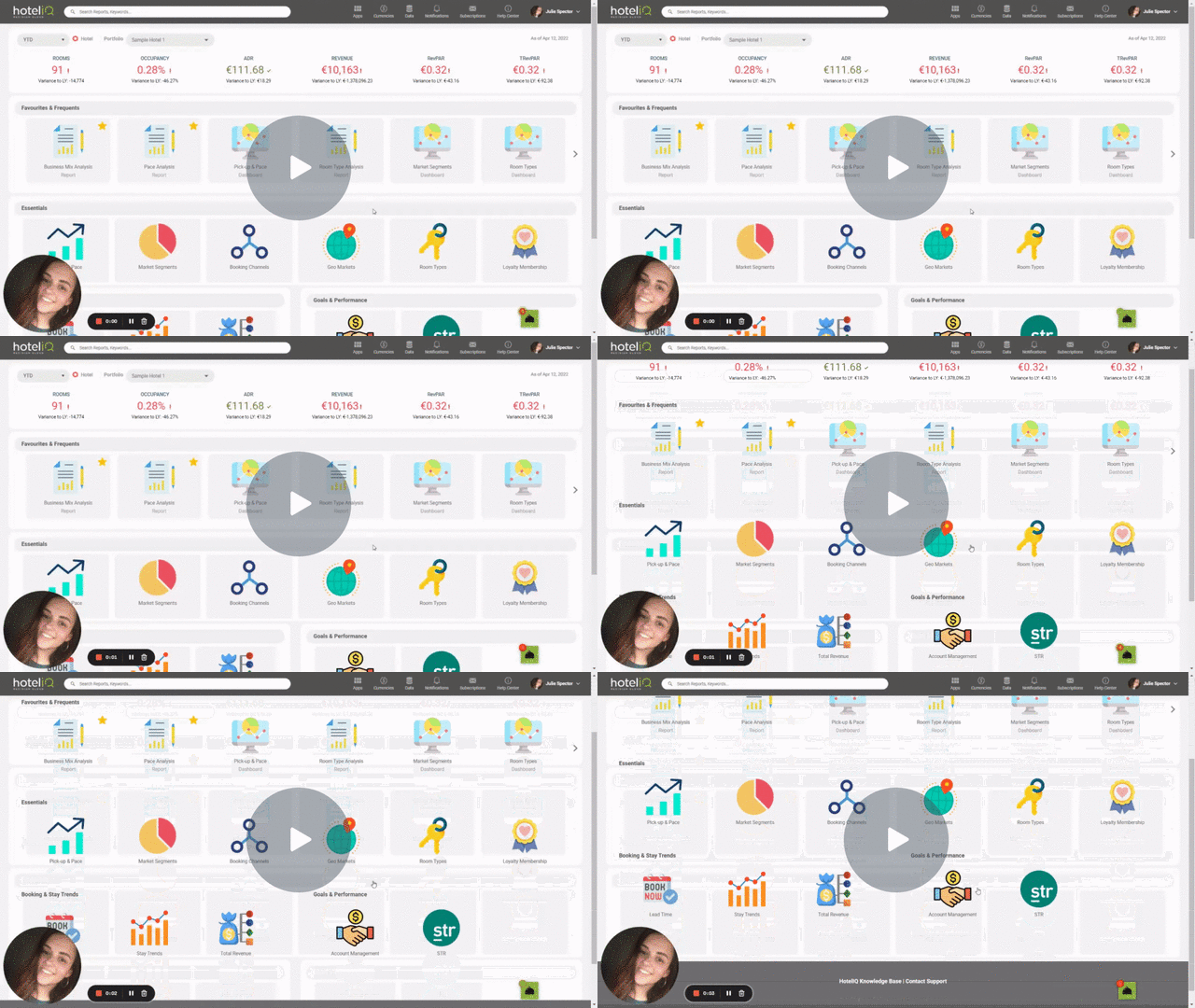
STR Market Segment Mappings - Watch Video
Please note that at least one STR segment has to be mapped in HotelIQ in order to run the STR Market Performance Report and STR Dashboard (for both One-Way and Two-Way Feeds). The pie charts in the STR Dashboard display HotelIQ’s data based on the STR segments which are mapped only.